
Audio · Plugins for Mac
On request17 plugins for the parts of a mix that take the most time.
Built to speed up the mixing workflow. 15 effects and 2 instruments, each doing one job with only the controls that job needs.
Access is on request while signed builds are prepared.
Vocals
The vocal stays level and sits on top of the music.
-
Vocal Rider
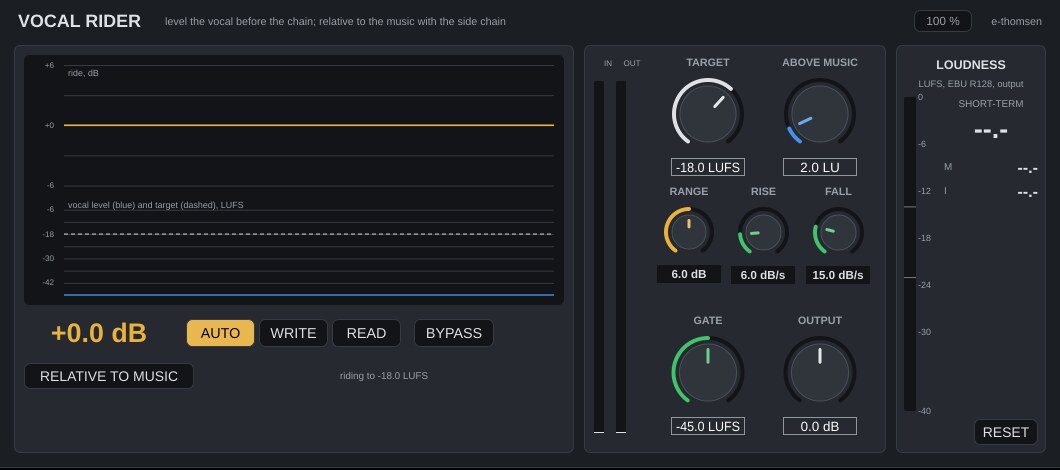
EffectKeeps the vocal at a steady level before it reaches the chain.
Read the Vocal Rider manualFull description
Rides the vocal level before the chain, to an absolute target or a set distance above whatever is on the side chain, and writes the ride to an automation lane.
-
Vocal Chain
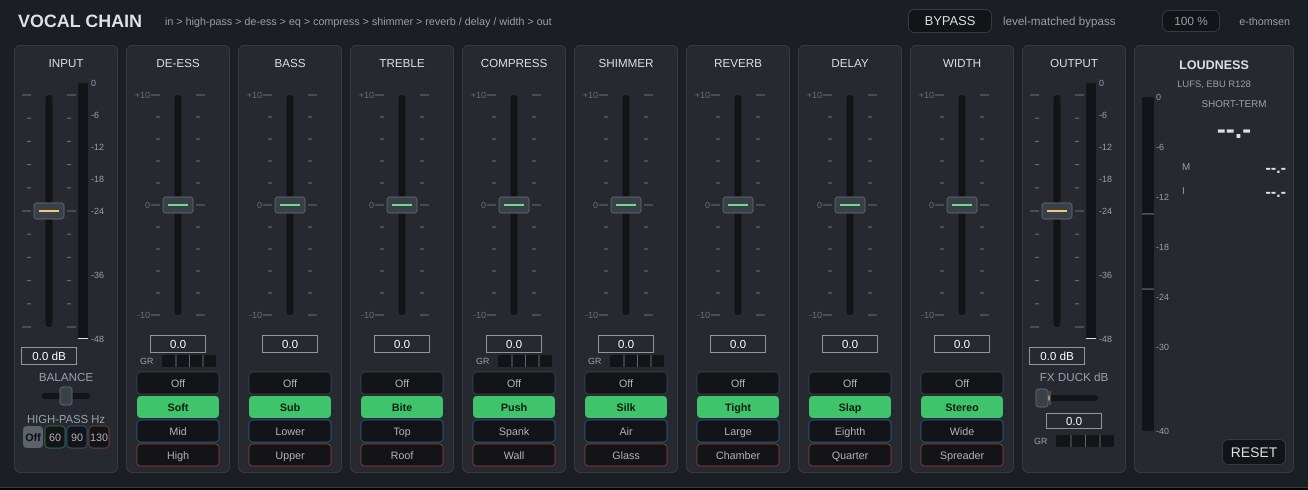
EffectA complete vocal channel in one window, from de-esser to reverb.
Read the Vocal Chain manualFull description
A vocal channel strip for Logic Pro: high-pass, de-esser, EQ, compressor, shimmer, reverb, delay and width in one window, each with a fader and three characters, plus loudness metering and a level-matched bypass.
-
Harmony
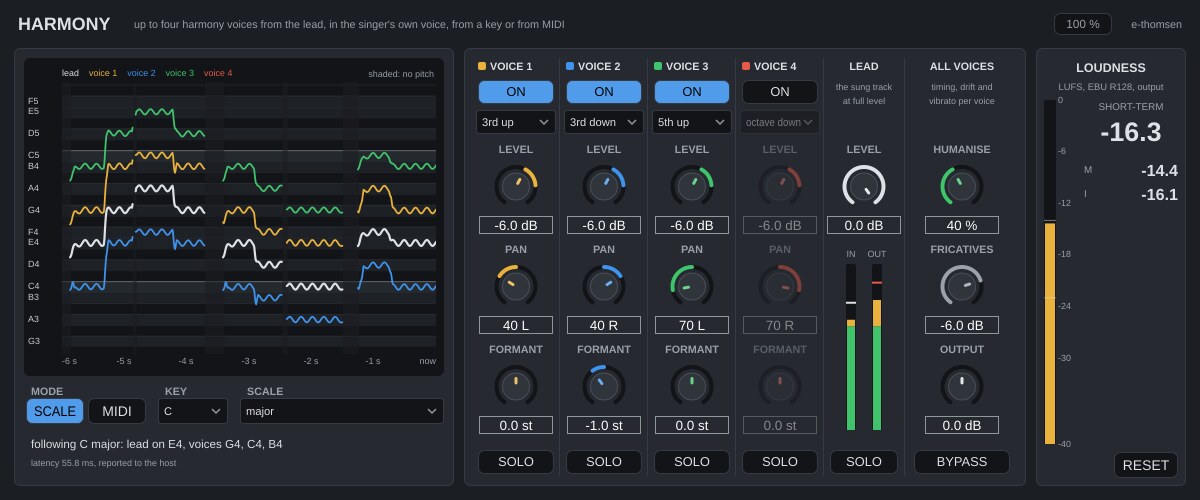
EffectUp to four harmony voices from the lead vocal, in the singer's own voice.
Read the Harmony manualFull description
Up to four harmony voices from the lead vocal in the singer's own voice, following a key and scale or the notes on a MIDI track, with a SOLO per voice for printing them to their own tracks.
-
Vocal Pocket
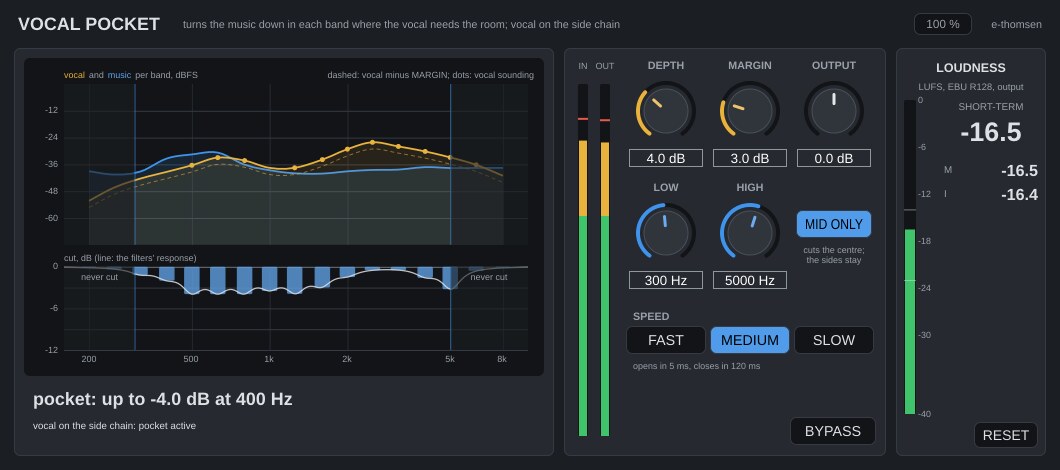
EffectMakes room for the vocal by turning the music down only where the two collide.
Read the Vocal Pocket manualFull description
Turns the music bus down in the bands where the vocal on the side chain is sounding and the music is too close to it, only as much as needed and only while the vocal is there.
Kick & Bass
Kick and bass each get their own part of the low end.
-
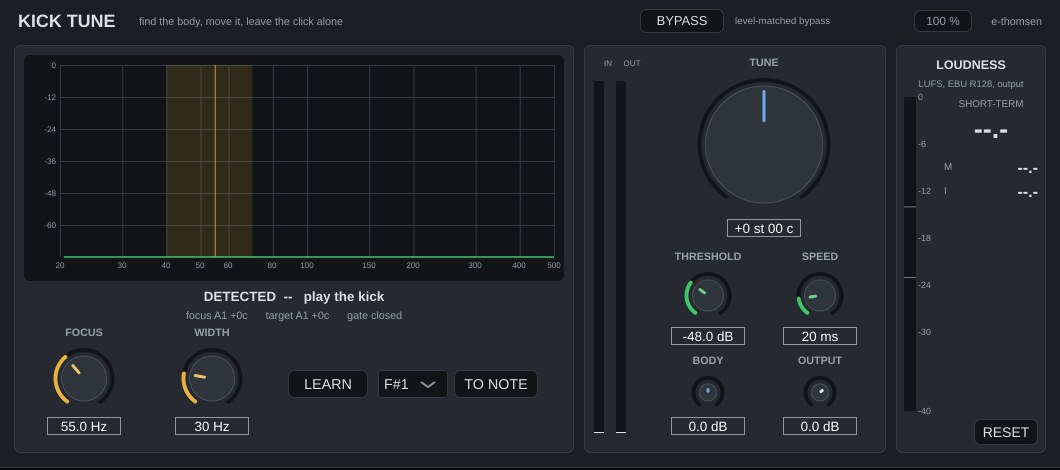
Kick Tune
EffectTunes the body of the kick to the song and leaves the click alone.
Read the Kick Tune manualFull description
Retunes the body of a kick drum and leaves the click alone. Reads the drum's pitch glide, moves the body by cents or to a note, zero latency.
-
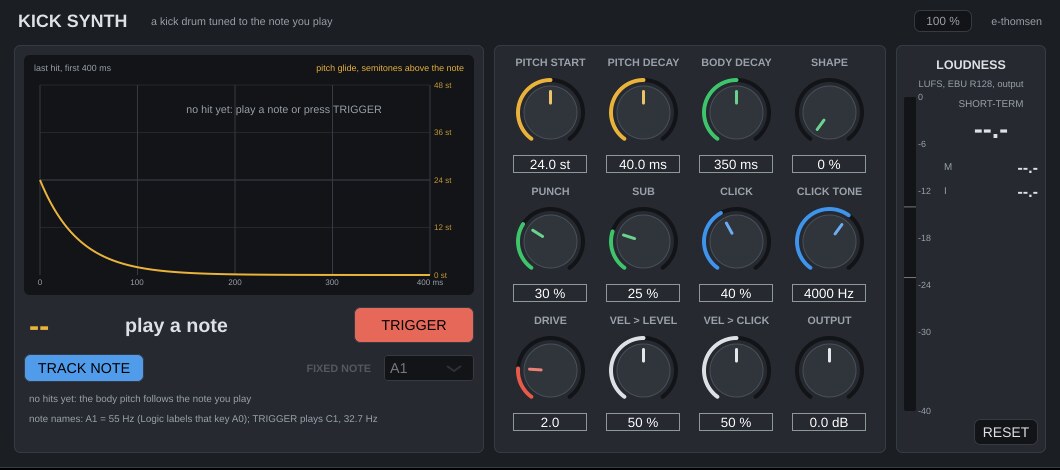
Kick Synth
InstrumentA kick drum tuned to the note you play.
Read the Kick Synth manualFull description
An instrument that plays a kick drum tuned to the note you play, with pitch glide, click, sub and drive.
-
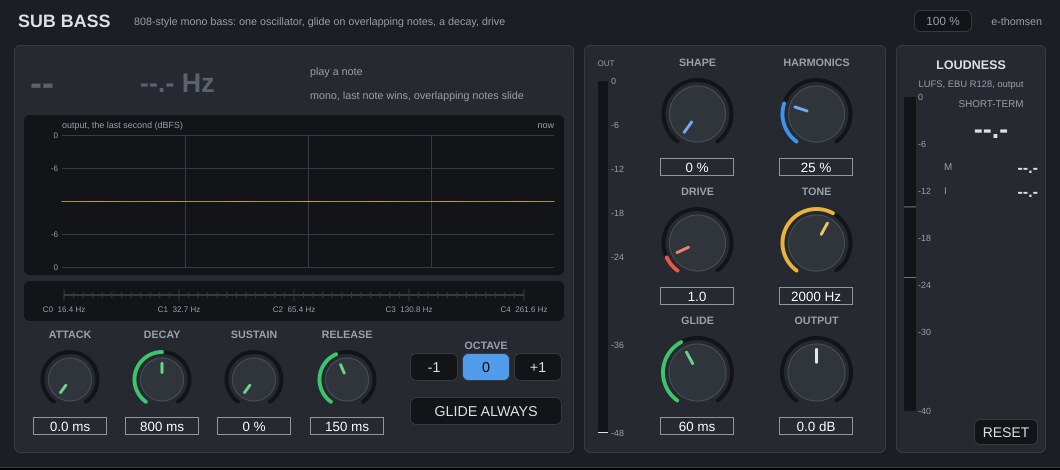
Sub Bass
Instrument808-style mono bass with slides between notes.
Read the Sub Bass manualFull description
An instrument for 808-style mono bass, with a slide between overlapping notes, a decay envelope, harmonics, drive and a lowpass.
-
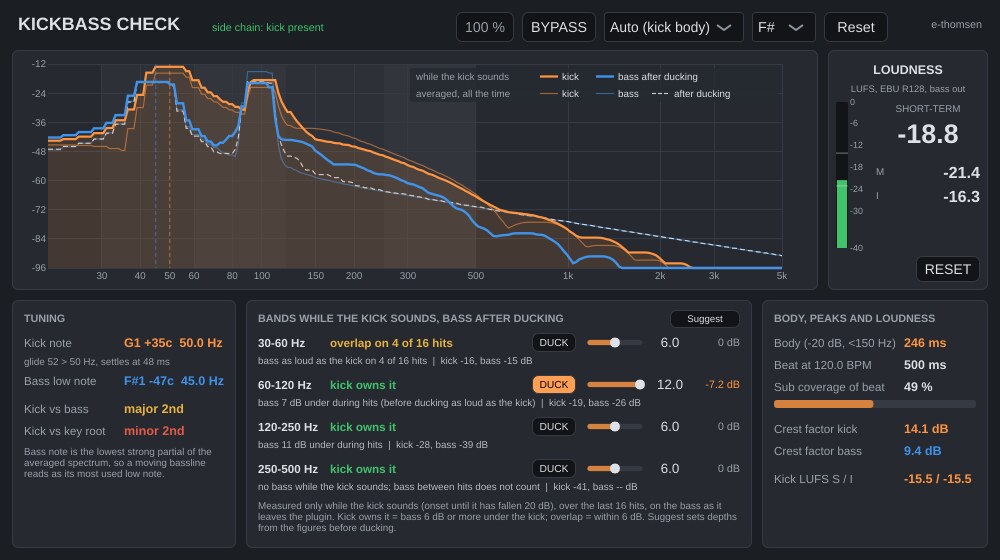
KickBass Check
EffectShows where kick and bass collide in the low end and ducks the bass under the kick.
Read the KickBass Check manualFull description
Kick against bass on one screen: the notes of both, who owns each low band while the kick sounds, kick body against the beat, and per-band ducking of the bass under the kick.
-
Pump
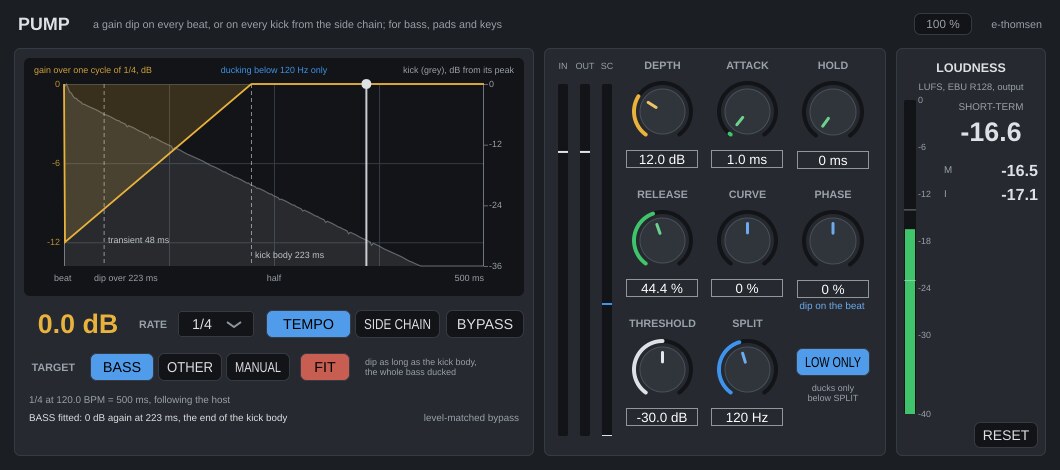
EffectDucking synced to the tempo or triggered by the kick, fitted to the measured kick.
Read the Pump manualFull description
A ducking envelope synced to the song tempo or started by the kick on the side chain, with a fit to the measured kick and an option to duck only the low end.
Tone & Space
Attack, tone and stereo position, shaped track by track.
-
Punch
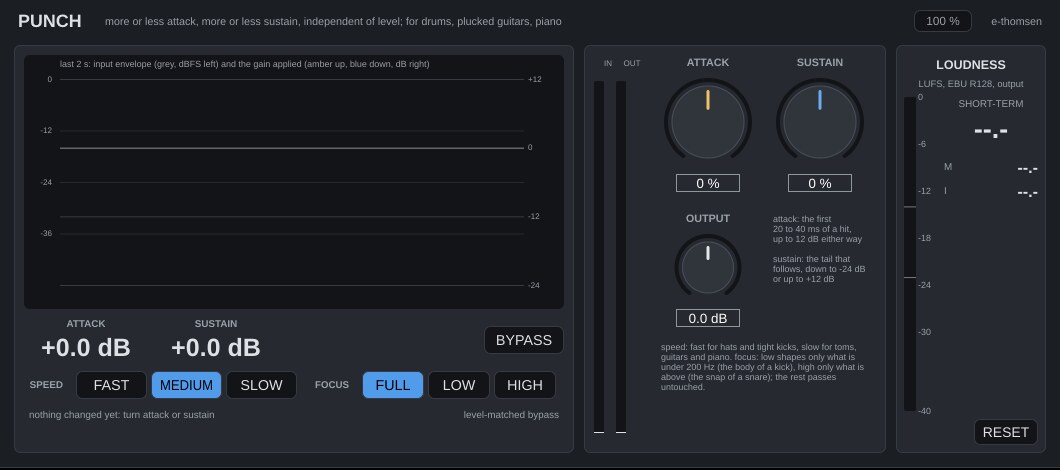
EffectMore or less attack and sustain without changing the level.
Read the Punch manualFull description
A transient designer that adds or removes attack and sustain independently of level, on the full signal, the lows or the highs.
-
EQ
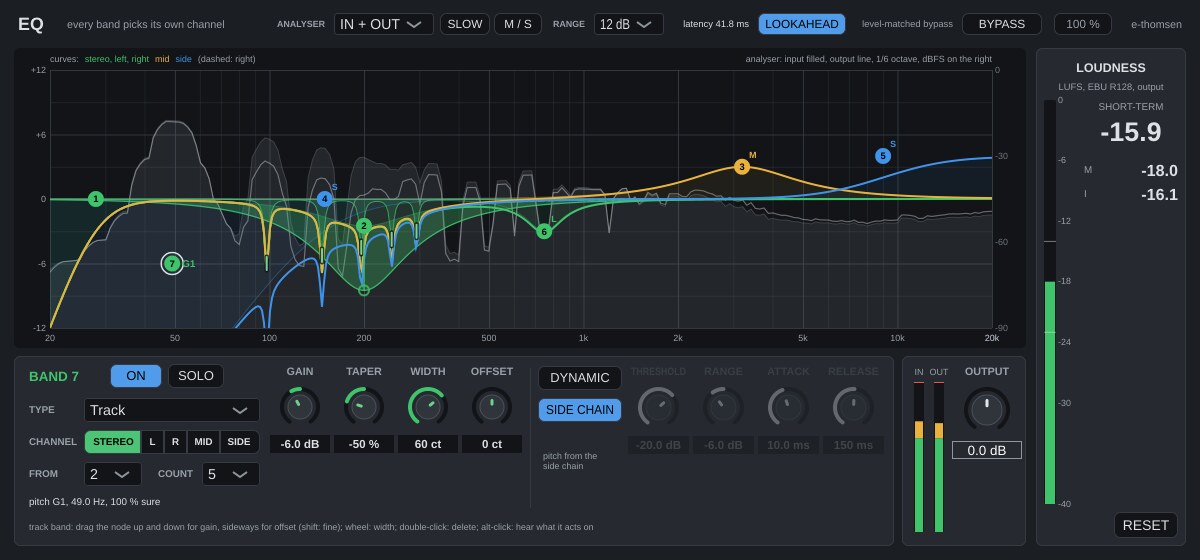
EffectA 16-band equaliser with bands that follow the pitch of a bass or a voice.
Read the EQ manualFull description
A plain digital equaliser with up to 16 bands, each on its own channel (stereo, left, right, mid or side), with dynamic bands and Track bands that follow the pitch of a bass, an 808 or a voice.
-
Colour
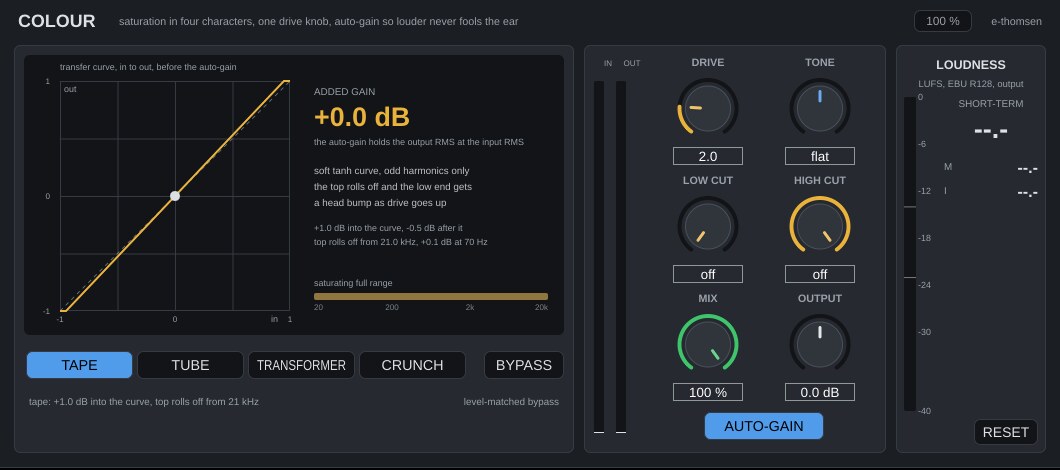
EffectSaturation in four characters with one drive control.
Read the Colour manualFull description
Saturation in four characters with one drive knob, auto-gain, and low and high cuts that keep part of the spectrum clean.
-
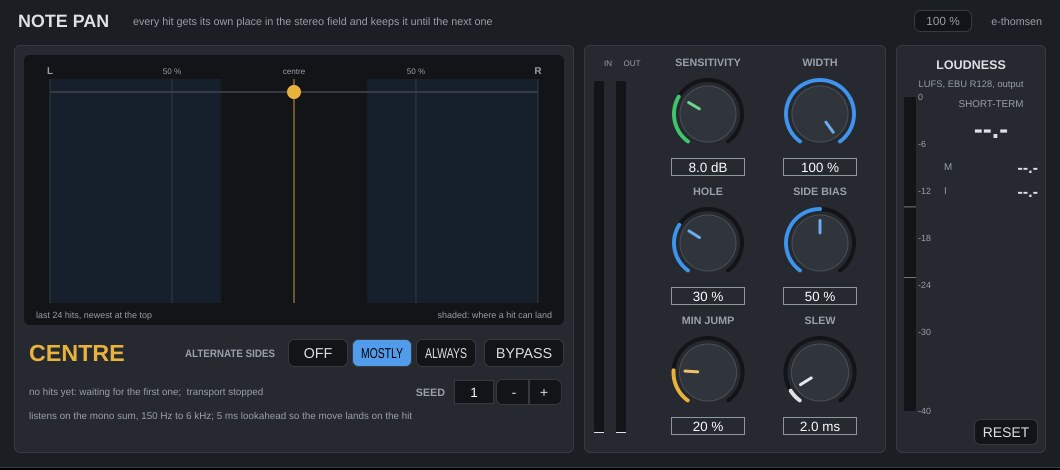
Note Pan
EffectGives every hit its own place in the stereo field.
Read the Note Pan manualFull description
Gives every hit its own random place in the stereo field, away from the centre and mostly alternating, and repeats the same pans on every playback.
Balance & Master
The mix keeps its balance and reaches the target loudness cleanly.
-
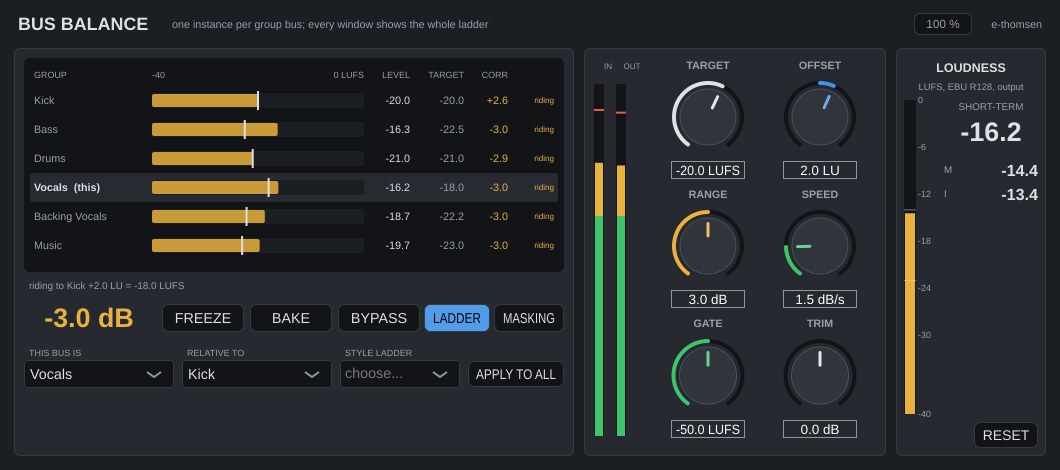
Bus Balance
EffectHolds each group bus at a set distance from the others, as heard.
Read the Bus Balance manualFull description
One instance per group bus. Holds each group a set distance from another group as heard, kick as the anchor in most styles, with style ladders, a slow narrow ride, Freeze and Bake to a static trim. Every window shows the whole ladder, and a masking view shows which groups collide in which bands.
-
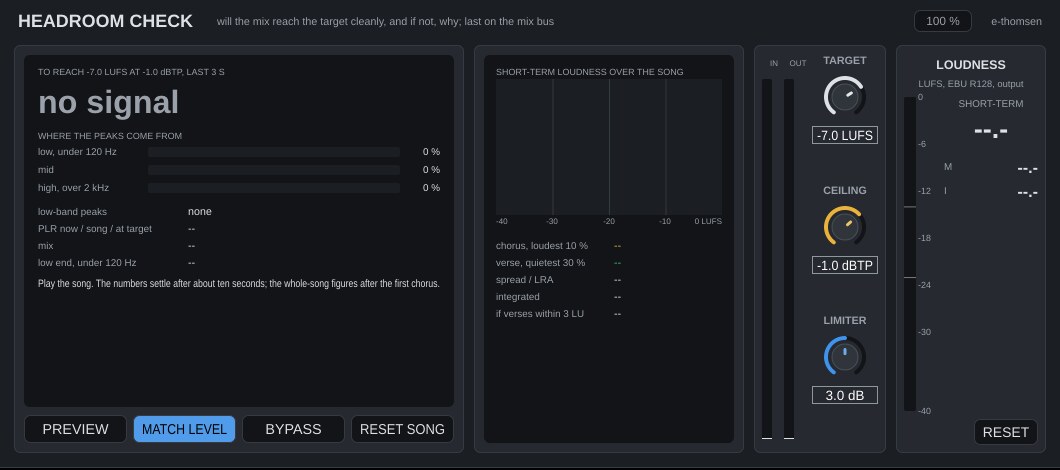
Headroom Check
EffectShows whether the mix will reach the target loudness cleanly, and what is in the way.
Read the Headroom Check manualFull description
An analyser for the mix bus that says whether the mix will reach the target loudness cleanly and, if not, where the peaks come from.
-
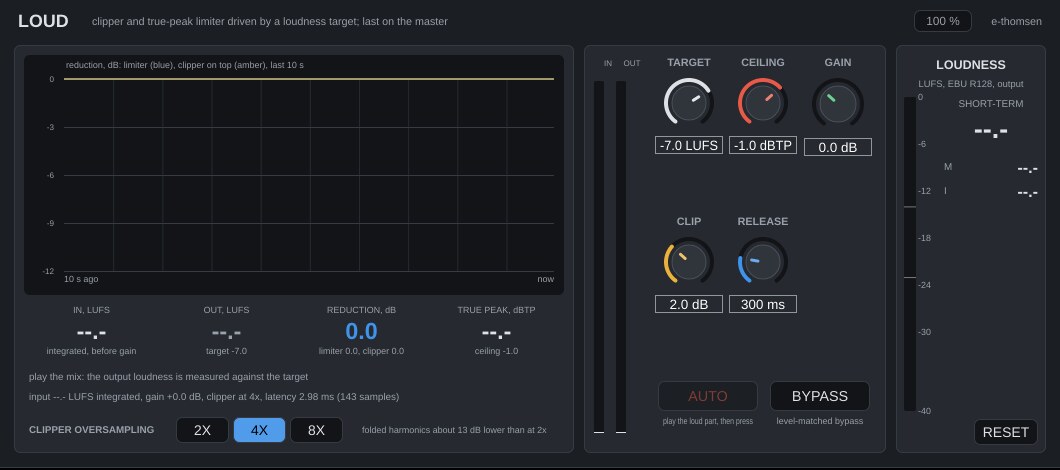
Loud
EffectBrings the master to a loudness target with a clipper and true-peak limiter.
Read the Loud manualFull description
A clipper and true-peak limiter on the master, driven by a loudness target, with AUTO to set the gain that lands on it.
-
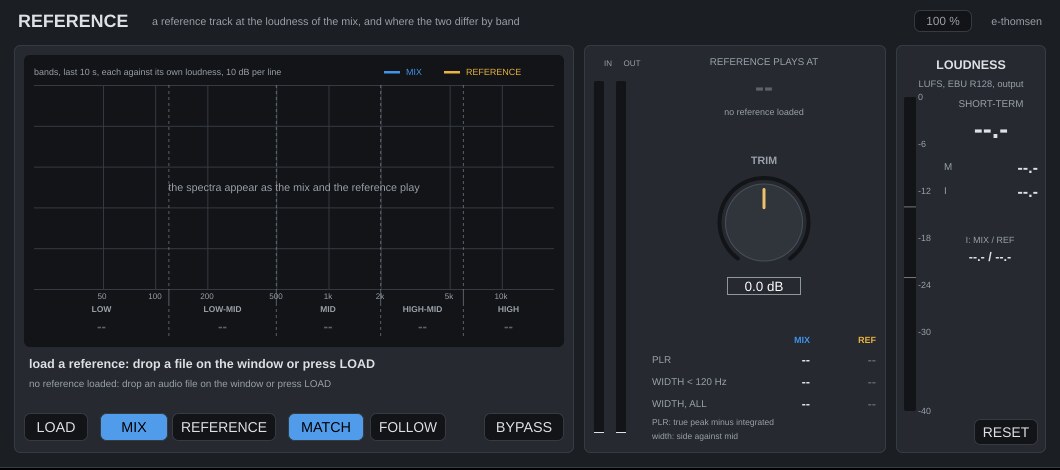
Reference
EffectCompares the mix with a reference track at equal loudness.
Read the Reference manualFull description
Loudness-matched A/B against a reference track, with the band differences, PLR and width of both.
No plugin matches that search.
Common to all plugins
Every plugin has the same EBU R128 loudness meter on its output: momentary as a bar with marks at -14 and -23, short-term as the large number, integrated below it, and a reset. A mono track is measured as one channel, so Vocal Rider brings a mono vocal to the same level as the same vocal in stereo.
Plugins that change level have a level-matched bypass, which plays the input at the output's loudness, shows the match in dB (capped at 20 dB) and fades over 25 ms. Vocal Pocket is the exception, because lowering the music under the vocal is its effect. On the other effects, bypass passes the input unchanged. The instruments have no bypass.
The window scales from 90 to 200 % and each plugin remembers its size. Every control that shapes the sound can be automated in Logic. Buttons that act once or only change the view, such as AUTO in Loud, cannot.
Bugs and feature requests
Name the plugin and its version, the Logic Pro version and what happened.
Write a report